Excel to JSON: Bridging the Gap Between Humans and Machines
In the modern data ecosystem, two formats rule the world: **Spreadsheets (Excel/CSV)** for humans, and **JSON (JavaScript Object Notation)** for machines. While business teams live in Excel, developers and APIs speak JSON. Bridging the gap between these two is often a daily struggle.
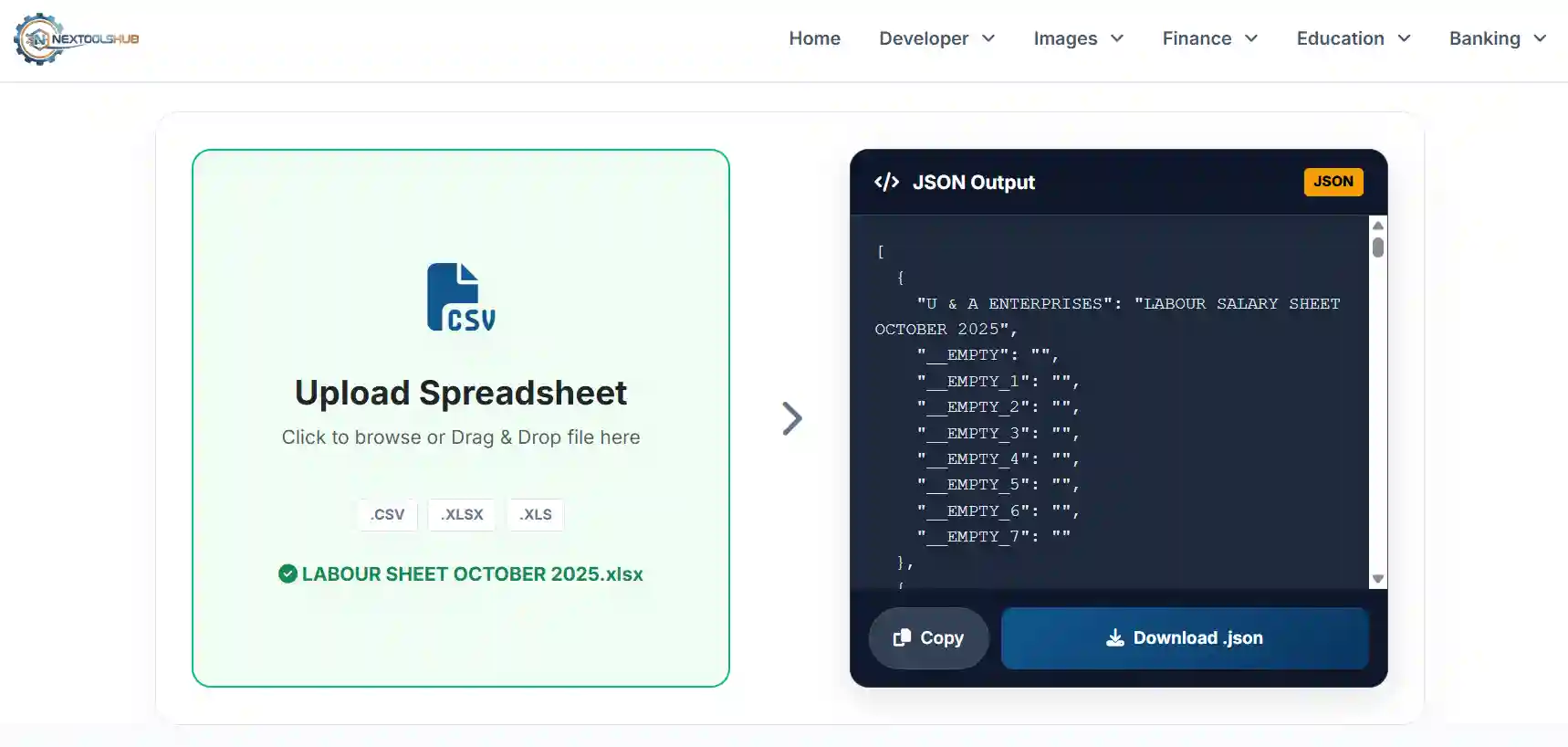
**NexToolshub's Excel to JSON Converter** provides a universal solution. It allows you to transform `.xlsx`, `.xls`, and `.csv` files directly into valid, structured JSON arrays without writing a single line of code.
Why Convert Spreadsheet Data to JSON?
- Web APIs: Most modern REST APIs require data payloads in JSON format.
- NoSQL Databases: Databases like MongoDB store data in BSON (Binary JSON), making JSON the native import format.
- Frontend Data: Populating charts, tables, or dropdowns in React/Vue/Angular apps often starts with a static JSON file.
- Configuration: Many software applications use JSON for settings, which are easier to manage and edit in Excel first.
Supported Formats
Unlike basic tools that only handle text-based CSVs, our engine leverages the powerful **SheetJS** library to support complex binary formats:
- CSV (.csv): Simple comma-separated values.
- Excel Workbook (.xlsx): The modern XML-based Excel format (2007+).
- Excel 97-2004 (.xls): The legacy binary Excel format.
Frequently Asked Questions (FAQ)
Common questions about file conversion.
Currently, the tool automatically converts the first sheet of your Excel workbook. Please move your target data to the first tab before uploading.
It converts the calculated value of the formula, not the formula string itself. E.g., `=5+5` becomes `10` in the JSON.
Yes. This is a client-side tool. Your Excel/CSV file is processed entirely within your web browser and is never uploaded to our server.
Since processing happens on your device, the limit depends on your browser's memory. We generally recommend files under 20MB for smooth performance.
The tool assumes the first row contains headers. These headers become the "Keys" in the JSON objects.
Currently, this specific tool is one-way (Spreadsheet to JSON). We have a separate JSON to CSV converter tool available in our Developer Tools menu.
Yes, but Excel dates are often stored as serial numbers. The tool attempts to parse them, but for best results, format dates as text (YYYY-MM-DD) in Excel before converting.
Empty cells are generally converted to empty strings `""` or `null` values in the JSON output, preserving the structure of the data object.
Absolutely. The JSON array generated is perfectly formatted for importing into MongoDB collections using `mongoimport --jsonArray`.
Yes, since it is a browser-based web tool, it works on any operating system (Windows, macOS, Linux) and any modern browser (Chrome, Firefox, Safari).