Master Your Profit Margins
In business, understanding the difference between Cost Price (CP) and Selling Price (SP) is fundamental. Whether you run a retail shop, an e-commerce store, or trade stocks, calculating your profit or loss accurately ensures financial health. Nextoolshub's Profit & Loss Calculator simplifies this process, giving you instant insights into your margins.
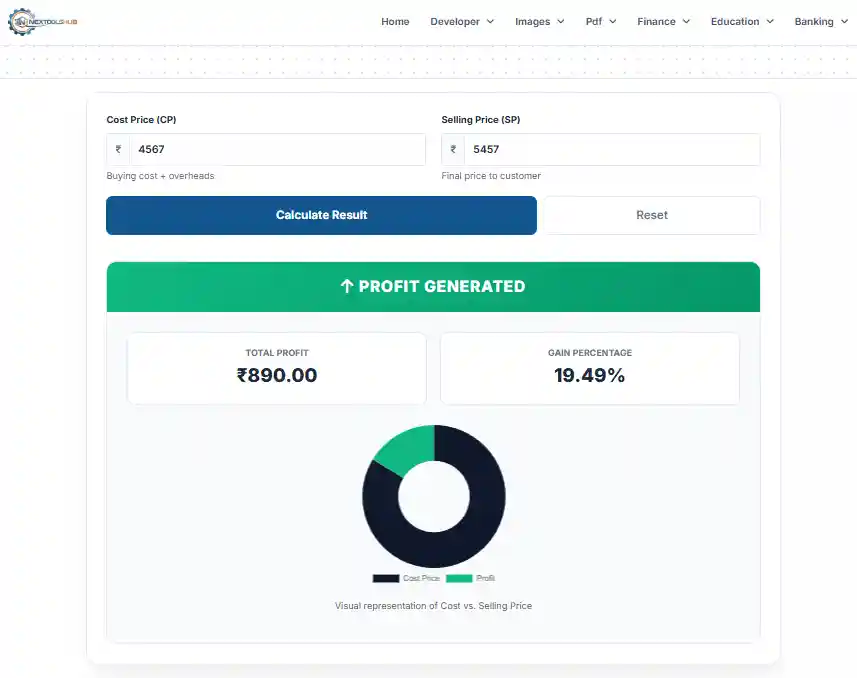
Margin vs. Markup
- Markup: Percentage added to the Cost Price to get Selling Price. (Profit ÷ Cost) × 100
- Margin: Percentage of the Selling Price that is profit. (Profit ÷ Sales) × 100
Key Definitions
- Profit: When Selling Price > Cost Price.
- Loss: When Cost Price > Selling Price.
- Break-Even: When Selling Price = Cost Price (No Profit, No Loss).
Frequently Asked Questions
Profit Margin is the percentage of revenue that remains as profit after deducting costs.
Yes, Markup can exceed 100% (e.g. buying for 10 and selling for 30), but Margin cannot exceed 100%.
Yes, all expenses to acquire the product (shipping, taxes) should be part of Cost Price.
Gross Profit = Sales - Cost of Goods Sold. It does not include operating expenses.
Net Profit = Gross Profit - All Expenses (Rent, Salary, Taxes). This is the real bottom line.
A product sold at a loss to attract customers who might buy other profitable items.
SP = Cost / (1 - Margin%). E.g., 100 / (1 - 0.20) = 125.
It indicates the efficiency of your business. High margin means you keep more of every dollar earned.
Profit from core business operations, excluding interest and taxes.
Monthly for overall business health, and per-transaction for pricing decisions.