Turn PDF Documents into Images Instantly
Whether you need to share a document on Instagram, insert a page into a presentation, or archive files, our PDF to JPG converter is the safest and fastest solution.
1. Why Convert PDF to Image?
PDFs are great for printing, but images (JPG/PNG) are better for the web.
- Social Media: You cannot upload a PDF to Facebook or Instagram. Converting it to an image solves this.
- Compatibility: Images open on every device (TVs, Phones, Tablets) without needing Adobe Reader.
- Editing: It is much easier to crop or edit an image in Photoshop/Canva than a PDF.
2. Security First Approach
Most online tools require you to upload your file to their server. This is a security risk. NexToolshub uses client-side technology. Your PDF is processed inside your browser using JavaScript. It never leaves your computer, making it safe for bank statements and legal docs.
Frequently Asked Questions
Yes, 100% free unlimited conversions.
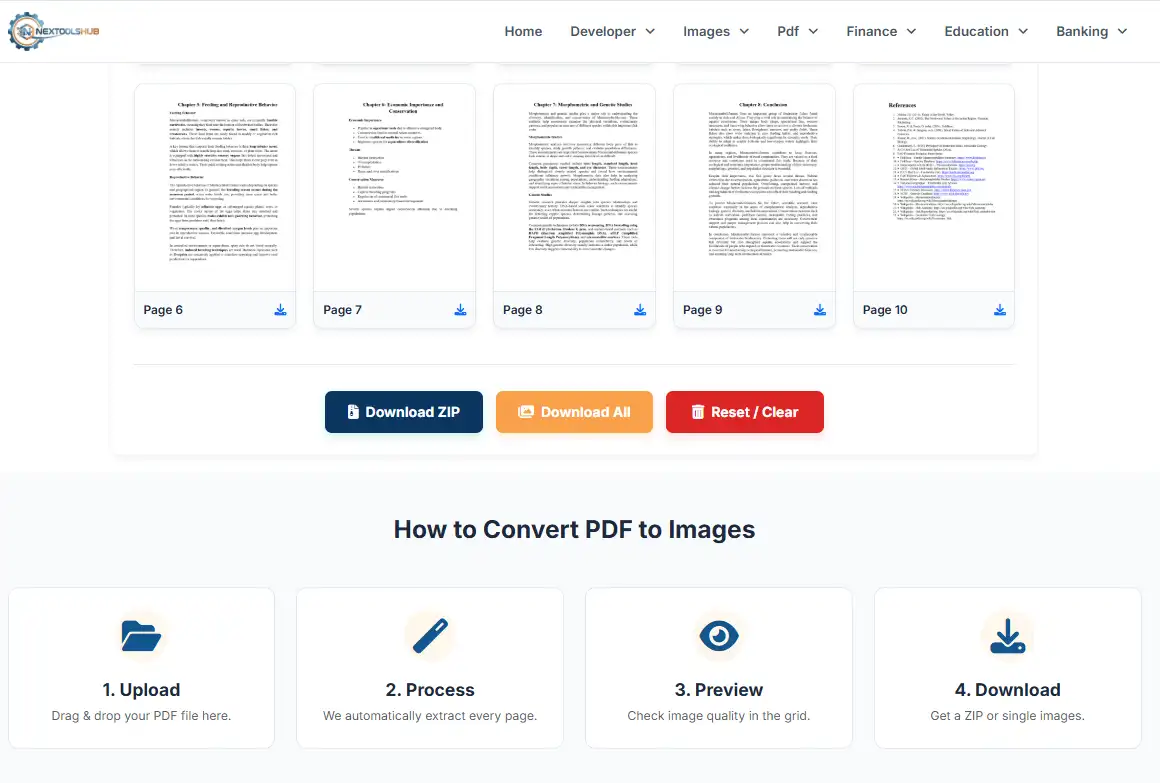
After converting, click the small "Download" icon below the specific page you want.
Yes, but since it runs in your browser, very large files (500+ pages) may take a moment to process.
We convert pages to high-quality JPG format by default.
Yes, it works on macOS, Windows, Linux, Android, and iOS browsers.
If your PDF has 50 pages, downloading 50 individual files is messy. A ZIP file keeps them organized in one folder.
No, we do not add any watermarks to your images.
Click the red "Reset" button to clear all data and start over.
Yes, we use 2x scaling (High DPI) to ensure text remains sharp.
You must unlock (remove password) the PDF before uploading it here.