QR Studio Premium

Generate high-quality, custom QR Codes for VCards, WiFi, Links & more. Includes a universal scanner.

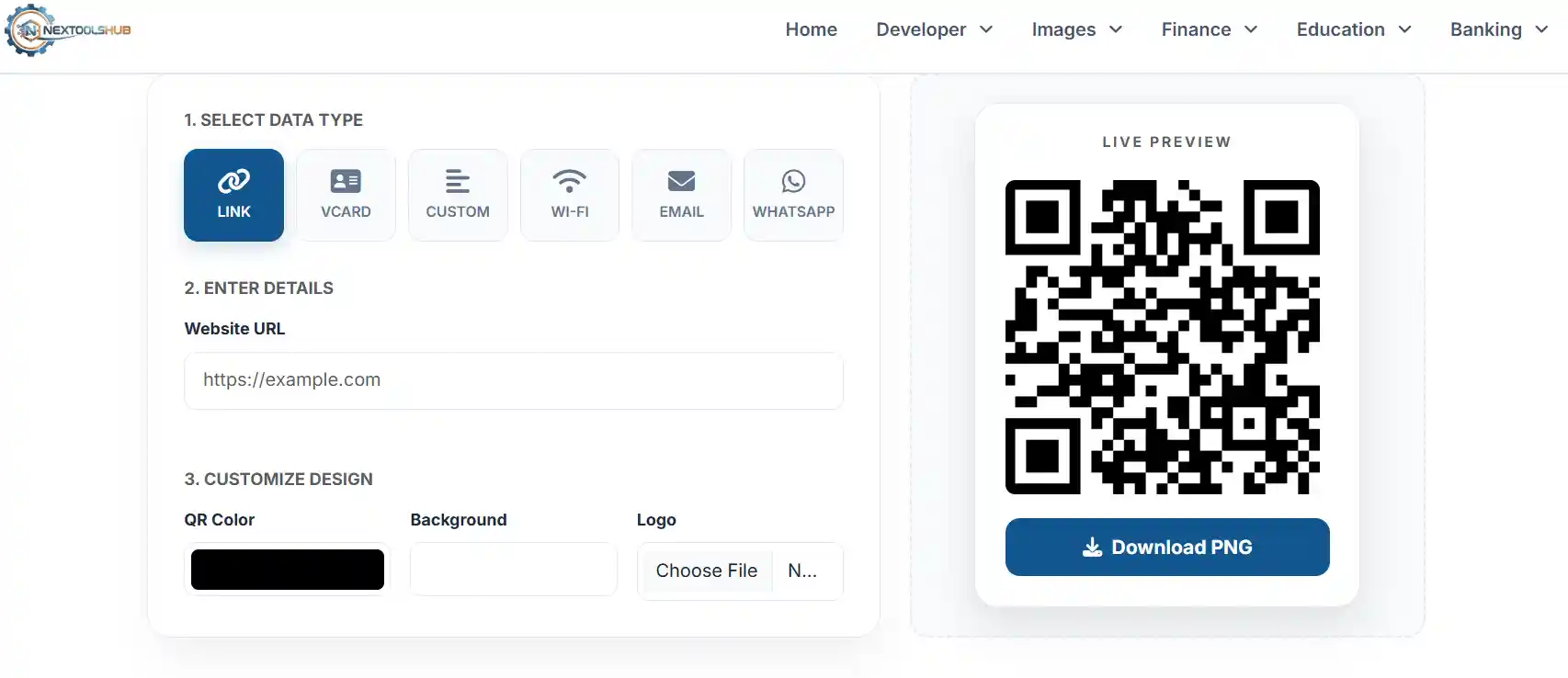
1. Select Data Type
Link
VCard
Custom
Wi-Fi
Email
WhatsApp
2. Enter Details

3. Customize Design
Live Preview

QR & Barcode Scanner

Point your camera at a QR code to scan it instantly.

The Definitive Guide to QR Code Technology

Quick Response (QR) codes have transformed from a niche automotive tracking tool into a global standard for connecting the physical and digital worlds. Whether you are a business owner sharing a digital business card (VCard), a restaurant offering a contactless menu, or an individual sharing Wi-Fi credentials, QR codes provide a seamless, error-free bridge.

NexToolshub's QR Studio is a professional-grade suite that combines generation and scanning capabilities. Unlike basic generators, our tool allows for deep customization, including logos, colors, and specialized data formats like VCard 3.0 and WiFi configuration strings.
QR Code Generation Workflow

Supported QR Types & Use Cases

  • URL/Link: Direct users to a website, landing page, or social media profile.
  • VCard (Contact): The modern business card. Scanning saves Name, Phone, Email, and Address directly to the user's phone contacts.
  • Custom Text: Embed raw text, IDs, or serial numbers for inventory tracking.
  • WiFi Access: Allow guests to connect to your network without typing complex passwords.
  • Communication: Pre-fill SMS, Email, or WhatsApp messages for customer support or feedback.

Why Customization Matters

Standard black-and-white QR codes work fine, but branded codes perform better. By adding your brand logo and using your brand colors, you increase trust and scan rates. Our tool ensures that even with customization, the QR code maintains a high error correction level (H-Level), ensuring it remains scannable even if slightly damaged or printed on textured surfaces.

Frequently Asked Questions (FAQs)

No. These are Static QR Codes. The data is encoded directly into the image pattern. As long as your link or info hasn't changed, the code will work forever.

Yes, but indirectly. Upload your PDF to a cloud service (like Google Drive or Dropbox), copy the shareable link, and paste it into the "Link" tab here.

Never. This tool runs 100% in your browser using JavaScript. We do not store, track, or save any of the data you enter to generate or scan codes.

Check the contrast (dark foreground on light background is best). Also, if you have a lot of data (like a long VCard), the dots become very small. Try printing it larger.

A VCard is a virtual business card file format. When scanned, phones recognize it as a contact and prompt the user to "Save Contact" immediately.

Yes! Use the "Upload Logo" option in the design section. Our tool automatically adjusts the error correction level so the logo doesn't break the scan.

Absolutely not. Since these are static codes, you can scan them an infinite number of times without any restrictions.

Yes, the built-in scanner works on any device with a webcam (Android, iPhone, Windows, Mac). Just ensure you grant camera permissions when asked.

Yes, the PNG download is high resolution and perfect for business cards, flyers, brochures, and posters.

This is for raw data. You can put anything here: inventory IDs, serial numbers, cryptographic keys, or just a simple message like "I Love You".