The Definitive Guide to Number Systems in Computing
In the physical world, we are accustomed to counting in tens. We have ten fingers, ten toes, and our currency systems largely revolve around the number ten. This is known as the Decimal System. However, dive beneath the glass screen of your smartphone, laptop, or server, and you enter a world that operates on entirely different logic. This is the world of Digital Electronics, where data is not fluid but discrete, existing in states of On and Off.
To navigate this digital landscape effectively—whether you are a software engineer, a network administrator, a student of computer science, or an electronics hobbyist—you must master the language of the machine. That language is built on number systems: Binary, Hexadecimal, and Octal. This guide serves as your comprehensive handbook to understanding these systems, their history, their applications, and why converting between them is a fundamental skill in the tech industry.
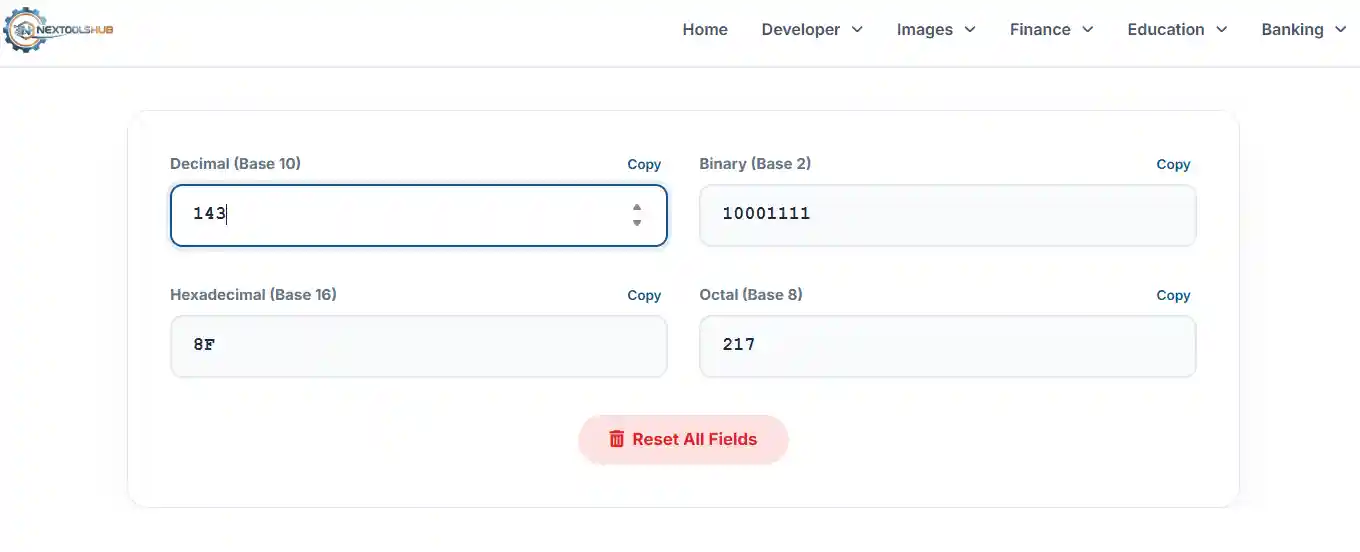
1. The Decimal System (Base 10)
The Decimal system, or Denary, is the standard system for denoting integer and non-integer numbers. It is Base 10 because it relies on ten distinct symbols: 0, 1, 2, 3, 4, 5, 6, 7, 8, and 9. Historically, this system evolved naturally because early humans used their fingers to count. While perfect for humans, it is inefficient for electronic circuits which find it hard to distinguish between 10 distinct voltage levels.
2. The Binary System (Base 2)
At the absolute core of every digital device sits the transistor—a microscopic switch. A switch has only two reliable states: ON (1) and OFF (0). This is Binary.
Binary Key Terms:
- Bit: The smallest unit of data (0 or 1).
- Byte: A group of 8 bits (e.g., 10110011). A single byte can represent 256 different values (0 to 255).
- Machine Code: The lowest-level programming language, consisting entirely of binary, which the CPU executes directly.
3. The Hexadecimal System (Base 16)
Binary is great for machines but terrible for humans to read. 11111111 is hard to read, but FF is easy. Hexadecimal acts as a shorthand for binary. It uses digits 0-9 and letters A-F to represent values 0-15.
Why it matters: One Hex digit represents exactly 4 bits (a nibble). Two Hex digits represent exactly 8 bits (1 byte). This perfect alignment makes it the standard for defining colors (CSS), memory addresses (pointers), and MAC addresses in networking.
4. The Octal System (Base 8)
Octal uses digits 0-7. While less common in general programming today, it remains critical in the UNIX and Linux ecosystems. File permissions (chmod) are defined using Octal because each Octal digit maps perfectly to 3 bits of binary (Read, Write, Execute).
Frequently Asked Questions (FAQ)
Common questions about number systems.
Example:
101 = (1 × 2²) + (0 × 2¹) + (1 × 2⁰) = 4 + 0 + 1 = 5.
020) tells the compiler to treat it as Octal. 020 in Octal is actually 16 in Decimal.
11111111. Converted to decimal, this is 255. Including 0, this gives us 256 possible values.
01000001 in Binary.