Bridging the Gap: How Human Language Becomes Machine Code
In the digital age, we take for granted the seamless flow of information. We type a message on WhatsApp, send an email via Gmail, or post a status update on Twitter. Behind the scenes of these user-friendly interfaces lies a complex world of data encoding. At the very foundation of this digital universe is Binary Code. This tool serves as a bridge, allowing you to visualize exactly how your computer interprets the words "Hello World" into a stream of electrical pulses represented by 0s and 1s.
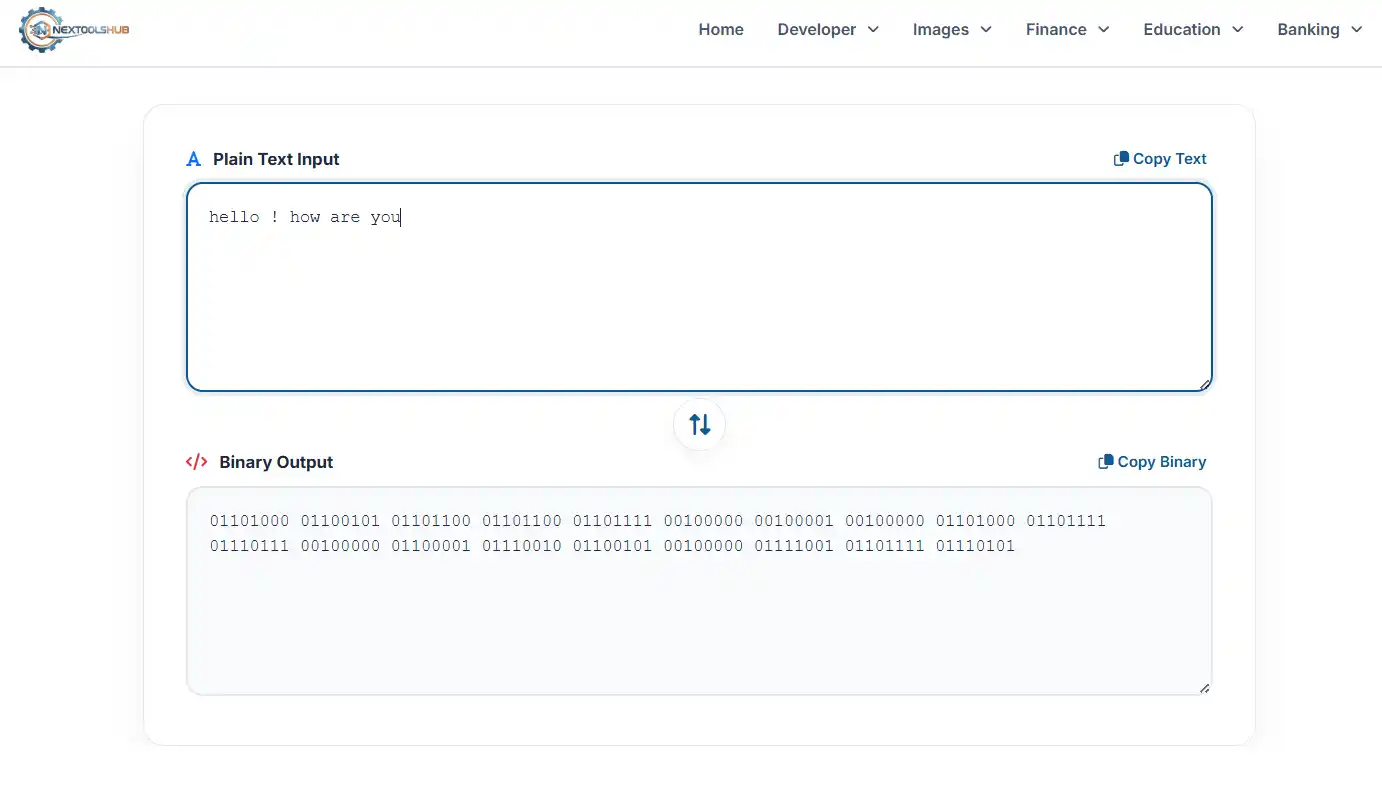
1. The Language of Electricity: Why Binary?
To understand why we need to convert text to binary, we must first understand computer hardware. A computer processor (CPU) is essentially a collection of billions of microscopic switches called transistors. A switch has only two reliable states:
- ON (High Voltage): Represented mathematically as 1.
- OFF (Low Voltage): Represented mathematically as 0.
Because computers cannot physically "understand" the letter 'A' or the number '5', engineers devised a system to map these characters to sequences of ON/OFF states. This system is what we call Binary Encoding.
2. The Evolution of Encoding: From ASCII to Unicode
ASCII (American Standard Code for Information Interchange): In the early days of computing (1960s), memory was expensive. Engineers created a 7-bit system called ASCII to represent English letters, numbers, and basic symbols. For example:
- 'A' = 65 =
01000001 - 'a' = 97 =
01100001 - '?' = 63 =
00111111
While ASCII was efficient, it had a major flaw: it only supported English. It could not represent Chinese characters, Arabic script, or mathematical symbols.
3. How Data Transmission Works
When you convert text to binary using this tool, you are simulating the first step of data transmission. Whether you are browsing a website or streaming a video, the data leaves your device as a stream of bits (Binary Digits). These bits travel through fiber optic cables as pulses of light, or through Wi-Fi as radio waves. The receiving device then "decodes" this binary stream back into the text, images, or video you see on your screen.
Frequently Asked Questions (FAQ)
Common questions about binary code.