The Definitive Guide to Image Compression: Mastering Web Performance
In the rapidly evolving digital landscape of 2026, the speed at which your content reaches your audience is not just a metric—it is the very foundation of user experience. High-resolution imagery is the cornerstone of modern web design, evoking emotion and driving engagement. However, these visual assets come with a heavy price: significant data weight that can cripple load times.
Nextoolshub's Smart Image Compressor is a sophisticated, browser-based engine designed to strip away unnecessary data bloat while surgically preserving the pixels that matter. Whether you are a freelance photographer, a developer optimizing for Core Web Vitals, or an e-commerce manager, understanding image compression is your competitive advantage.
The SEO Impact: Core Web Vitals & LCP
Google’s ranking algorithms heavily favor "Page Experience." Central to this is a metric known as Largest Contentful Paint (LCP). Simply put, LCP measures how long it takes for the main image to load. Compressing a 5MB hero image to 500KB reduces data consumption by 90%, instantly improving LCP scores and search rankings.
The Privacy Revolution: Client-Side Processing
In an age of data breaches, the question of "Where do my files go?" is paramount. Traditional tools upload your photos to a server.
How We Protect You
Nextoolshub utilizes WebAssembly (Wasm) technology to perform all compression directly on your device's CPU. When you drag and drop a file, it is never uploaded to the cloud. It stays in your browser's local memory. This allows you to safely compress sensitive documents or personal photos without privacy risks.
Supported Formats & Features
- JPG / JPEG: Ideal for photographs with complex colors. Our tool balances quality and size perfectly.
- PNG: Great for logos and transparency. We optimize the color palette to reduce size while keeping the background transparent.
- WEBP: The modern web standard. WEBP offers superior compression compared to JPG and is supported by all modern browsers.
- HEIC (iPhone): We include a built-in converter that automatically transforms Apple's HEIC format into universal JPGs during compression.
Frequently Asked Questions (FAQ)
Common questions about image optimization.
Yes. Nextoolshub is a free utility. There are no paywalls, no credits, and no watermarks added to your images.
No. By default, we maintain the original pixel dimensions (width x height). We optimize the internal data structure. If you need to resize dimensions, use our Resizer tool.
Yes! Our tool detects `.heic` files and automatically converts them to JPG before compressing, making them compatible with Windows and Android.
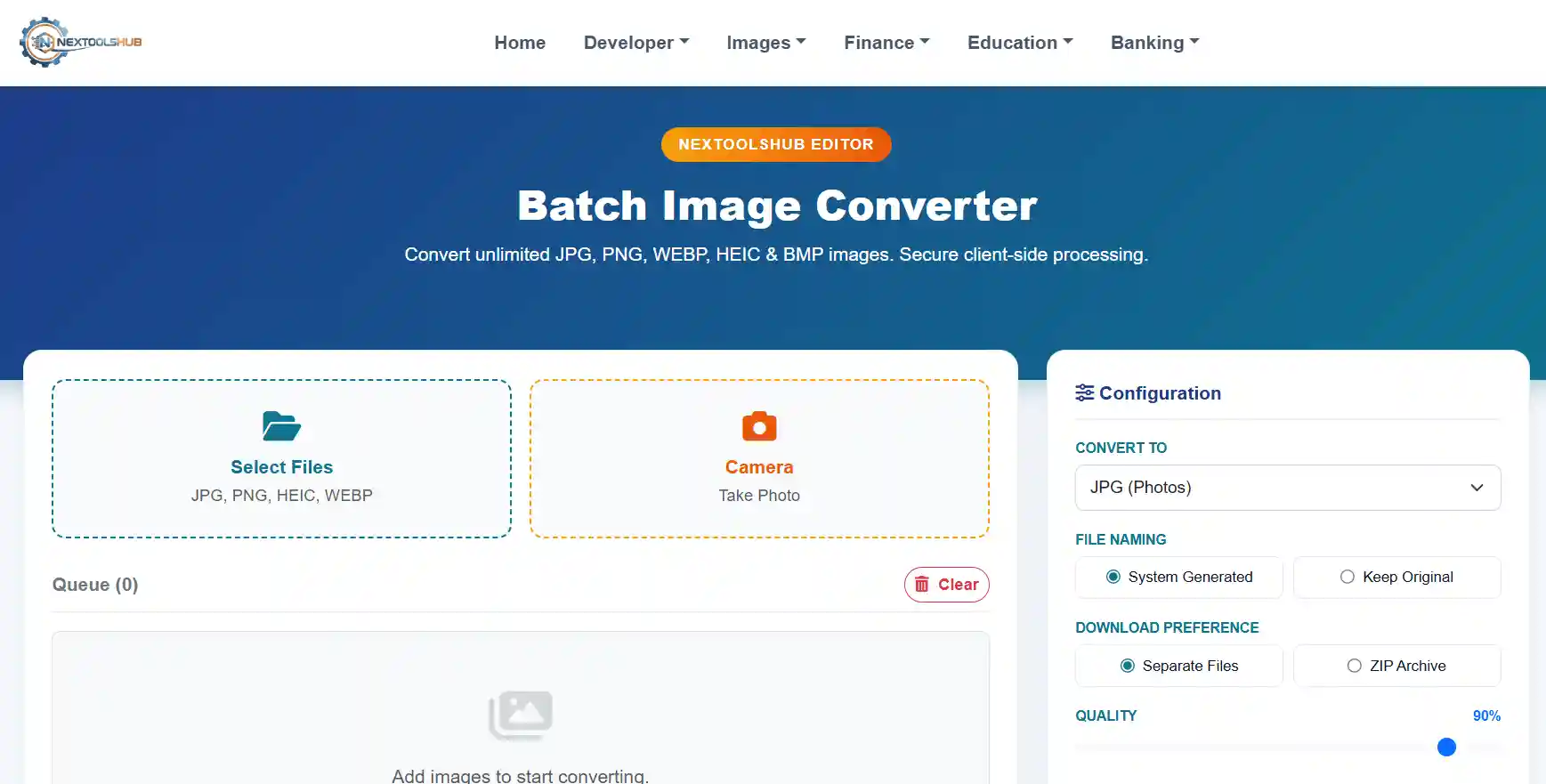
This specific tool is optimized for fine-tuning single images with a live preview. For bulk actions, please check our "Batch Converter" tool.
To achieve maximum size reduction and protect your privacy, our algorithm strips non-visual metadata like GPS location and camera settings.
This is rare but happens if you upload an already heavily compressed image and try to save it at 100% quality. The algorithm adds "noise" trying to reconstruct details. Lower the quality slider to fix this.
100% Safe. We use client-side processing. Your images never leave your browser and are never uploaded to any server.
Absolutely. The interface is fully responsive. You can even use the "Camera" button to snap a photo and compress it immediately.
It renames your file to `nextoolshub_compressed_[timestamp].jpg` to prevent overwriting original files and help organize downloads.
Yes. We preserve the alpha channel (transparency) in PNG files.