Get 4K & HD thumbnails from videos and shorts instantly.
Copy video URL from YouTube.
Paste link above and hit search.
Save the image quality you need.
In the highly competitive world of YouTube, your thumbnail is your first impression. It acts as a digital billboard for your content. Before a user reads your title or checks the video length, their brain processes the visual image. A compelling, high-resolution thumbnail is often the deciding factor between a viewer clicking on your video or scrolling past it. This is why having access to the original HD (1280x720) or 4K thumbnail is crucial for creators, marketers, and designers.
YouTube's recommendation algorithm heavily favors videos with a high Click-Through Rate (CTR). If your thumbnail appears pixelated, blurry, or low-quality, it signals to the viewer (and the algorithm) that the video content might also be low quality. By downloading the highest resolution available using NexToolshub, you ensure that any reposting, analysis, or archiving maintains the professional standard required to succeed.
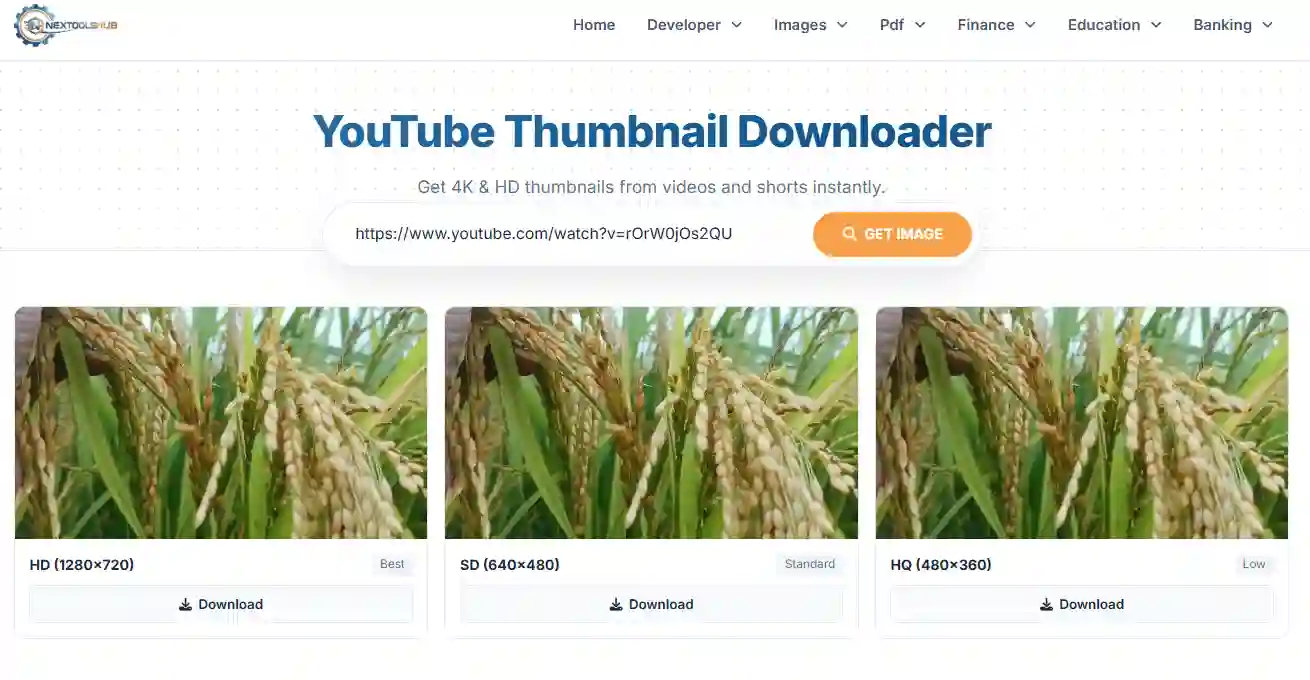
On Desktop (Windows/Mac): Simply click the "Download" button, or right-click the image and select "Save Image As...". The file will save to your downloads folder.
On Mobile (Android/iOS): Tap the "Download" button to open the image in full view. Then, long-press the image and select "Add to Photos" (iOS) or "Download Image" (Android).
While downloading thumbnails is technically simple, it is important to respect copyright laws. It is generally acceptable to download thumbnails for:
Warning: Do not re-upload another creator's thumbnail as your own video cover. This violates YouTube's Terms of Service and can lead to copyright strikes.