Comprehensive Guide to SSL Certificates: Security, SEO, and Trust
In today’s digital world, trust is the most valuable asset on the internet. When a visitor arrives at your website, a nanosecond decision is triggered: "Is it safe or not ?" The choice is almost exclusively based on the presence of the tiny icon involving the padlock at the top of the Internet browser address bar a sign that the website has an actual the hallmark of an active SSL (Secure Sockets Layer) Certificate Enabled.
A tool like the SSL Checker provided by NexToolshub is not only for troubleshooting but its primary function is the first defense mechanism that you will be using to retain the trust factor with your visitors and search engines like Google, Bing, Yahoo!, DuckDuckGo for that matter.Irrespective of the type of site you are running, be it a blog site or an ecommerce site, the thing is that the Secure Sockets Layer certificate will be the non-negotiable thing when you are using the site.
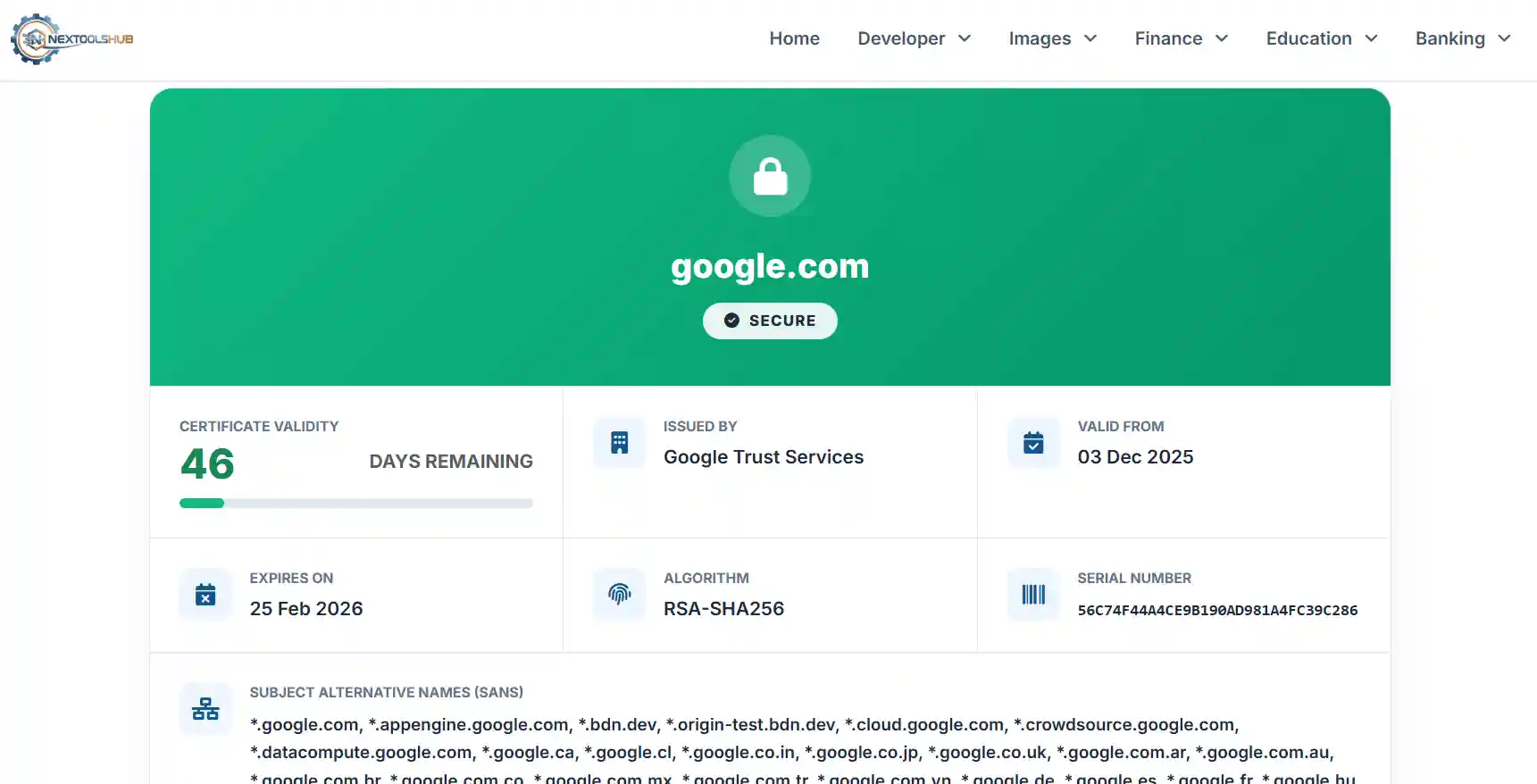
What is an SSL Certificate and How Does It Work on websites ?
Essentially, the SSL certificate is a small computer file containing a cryptographic key and the details of the organization. When implemented in a web server, it activates the lock and the HTTPS feature running on port 443 to connect to the browser in a safe manner from a web server.
Picture the internet as a digital, transparent roadmap that directs users to the information they need, saving them time. Prior to SSL (HTTP), you are sending postcards, and anyone along the way can read them. With SSL (HTTPS), you are sending information in an armored truck, and the only ones with the keys are you and the recipient. This process involves an interesting "SSL Handshake" that goes like this:
The SSL Handshake Explained:
- Client Hello: Your browser starts the conversation by telling the server which security methods it supports.
- Server Hello: The server replies by sharing its SSL certificate and public key.
- Authentication: Your browser checks the certificate with a trusted authority to make sure the website is genuine.
- Key Exchange: A secure session key is created and safely locked using the server’s public key.
- Secure Session: Both your browser and the server now use this session key to encrypt and protect all data shared.
Why SSL is Critical for SEO and Google Rankings
Google has marked the use of HTTPS as a search ranking factor since 2014. However, it’s more than just giving you a little advantage. "Modern browsers such as Chrome, Safari, and Firefox will actually ding your non-secure site." When that happens, the result is that anyone trying to access your SSL will see the “Your connection is not private” warning screen. This is just the beginning to a 100% bounce rate, indicating poor user experience to Google.
Furthermore, with the Core Web Vitals update, "Page Experience" is paramount. A secure connection is a baseline requirement for a good page experience. Without it, your content, no matter how high-quality, will struggle to rank on the first page of search results.
Types of SSL Certificates: Which One Do You Need?
Not all certificates are created equal. Depending on your business needs, validation levels vary. Here is a quick comparison to help you decide:
| Type | Validation Level | Best For | Trust Level |
|---|---|---|---|
| DV (Domain Validation) | Low (Automated) | Blogs, Personal Sites | Standard |
| OV (Organization Validation) | Medium (Business Check) | Small Businesses | High |
| EV (Extended Validation) | Strict (Legal Vetting) | Banks, E-commerce | Highest |
Common SSL Errors and How to Fix Them
Even with a certificate installed, things can go wrong. Our NexToolshub check ssl expired detects these common issues:
1. Certificate Expired
SSL certificates have a maximum validity of 398 days (approx 13 months). If you forget to renew, the security breaks. Fix: Set up auto-renewal with your hosting provider or CA.
2. Mixed Content Warnings
This happens when a secure page (HTTPS) loads images, scripts, or styles over an insecure connection (HTTP). The browser will show the padlock but with a warning sign. Fix: Use our tool to identify the page, then update your source code to use 'https://' for all resources.
3. Name Mismatch Error
This error occurs when the domain name in the certificate does not match the URL in the browser. This often happens if you visit 'www.example.com' but the certificate is only for 'example.com' (and not a wildcard). Fix: Ensure you purchase a Wildcard SSL (*.domain.com) or include all SANs (Subject Alternative Names).
Frequently Asked Questions (FAQ)
Common queries regarding SSL certificates and security.