Ultimate Guide to Website Ping and Latency
Speed, in the digital world, is not only necessary; it has become the basis for user satisfaction. Whether you are responsible for troubleshooting and maintaining networks, are an avid gamer seeking the ultimate in game performance, or are simply focused on optimizing your site for the top spots in the Search Engines, the concept of 'Ping' is the first place to turn.
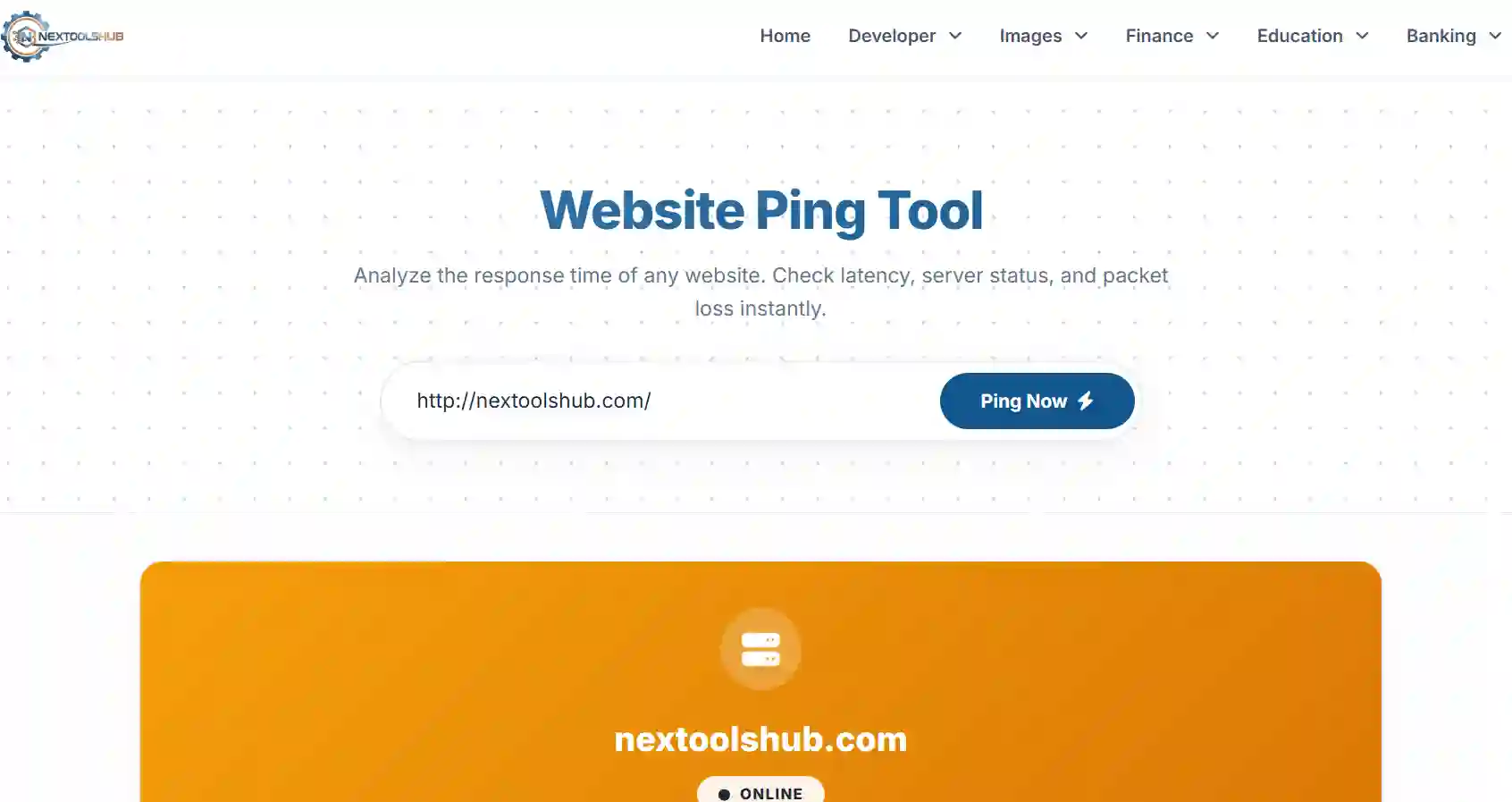
Nextoolshub's Advanced Ping Tooloffers an exact and accurate measure of the round-trip time for the messages sent to the destination computer using our server. You can troubleshoot the latency problems with the appearance of this tool. This allows you to gauge the server uptime for the convenience of your visitors.
What is Ping and Why Does It Matter?
The word "Ping" originates from the terminology used to define the method employed during the active sonar method for a submarine. In the former method, a pulse is essentially dispatched, and the reflection thereof is listened for. In the context of the Internet network, the utility program sends a data packet to a designated IP address
A lower ping is always favorable compared to a higher ping. The value is measured in milliseconds.
Why Low Latency is Crucial:
- User Experience (UX):When websites have latency issues, they can feel “slow,” or “sluggish.” Indeed, users can start a website download within the timeframe the website can deliver the materials.
- Real-Time Applications:Applications such as VoIP communication (e.g., Skype, Zoom) and online games require ping times of less than 50ms to avoid "talk over"
- SEO Impact:Google treats "Time to First Byte" as a search engine ranking factor. High ping speeds have a direct correlation to TTFB.
Understanding Ping Results: The Key Metrics
When you run a ping test, you are presented with several data points. Here is how to interpret them like a pro:
| Metric | Description | Ideal Value |
|---|---|---|
| Time (Latency) | The total time for the packet to go there and back. | < 100ms (Web) / < 30ms (Gaming) |
| Packet Loss | The percentage of packets that failed to return. | 0% (Anything higher indicates issues) |
| Jitter | The variation in ping time over multiple tests. | < 5ms variance |
| TTL (Time to Live) | How many "hops" (routers) the packet can pass through. | Typically 50-128 |
Common Causes of High Ping (Lag)
If, however, your "ping" command indicates red, or high, latency, then a number of factors are likely contributing, among them:
1. Physical Distance
There's also a certain amount of time involved in transmission, so if you can't see the screen in London or the server in Sydney, then there should be 300 milliseconds of 'ping.' And how to handle this problem: "Use a Content Delivery Network to host the content on a server that's closer to the user."
2. Network Congestion
Much like how, when there is a jam on a highway, if too much data is being sent through a certain node at a time, delays can occur due to this "queuing of data." This is especially so when " peak hours" (between 7 PM and 11 PM) are experienced.
3. Poor Routing
Poor Routing Sometimes, the route the ISP uses to reach the destination server may be inefficient. Rather than taking the straight-line approach, the data may have traveled through several unnecessary cities.
Frequently Asked Questions (FAQ)
Common questions regarding Ping, Latency, and Network Speed.
20ms - 50ms: Very Good.
50ms - 100ms: Average (Good for browsing).
> 150ms: Slow (Noticeable lag in real-time apps).