Mastering the Online Scientific Calculator
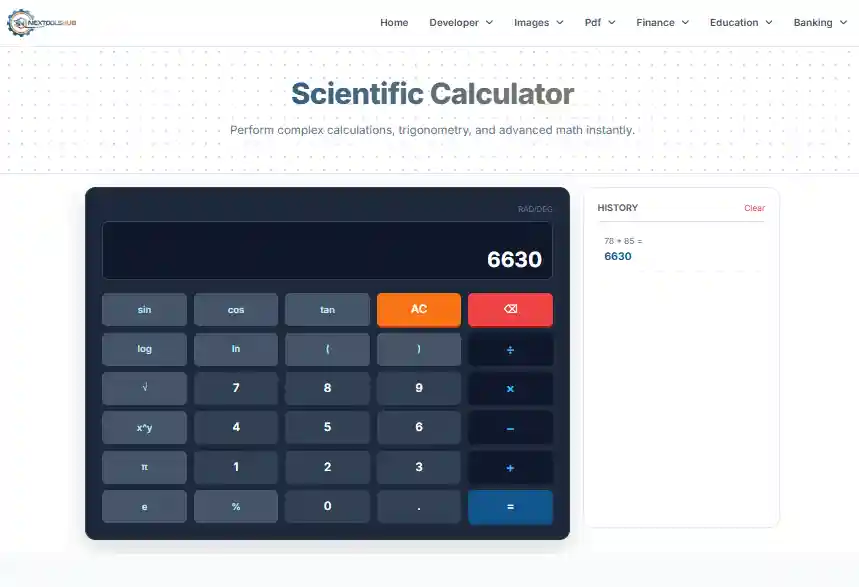
In the modern digital age, the ability to perform complex calculations quickly is indispensable. Whether you are an engineering student, a financial analyst, or a DIY enthusiast, a reliable Scientific Calculator is a fundamental tool. This comprehensive guide explores the features of our online tool and how it simplifies advanced mathematics.
Why Go Digital?
Physical calculators can be lost, break, or run out of batteries. Our online calculator is always available in your browser, offers a visible history log to track your work, and works on every device from desktops to smartphones.
Key Functions Explained
- Trigonometry (Sin, Cos, Tan): Essential for calculating angles and distances in fields like architecture, astronomy, and physics.
- Logarithms (Log, Ln): Used to solve exponential equations, measure sound intensity (decibels), and analyze earthquake magnitudes.
- Exponents (x^y): Critical for calculating compound interest in finance or population growth models in biology.
- Roots (√): Fundamental for geometry, specifically when working with the Pythagorean theorem.
Practical Applications
Education: Students can use this tool to verify homework answers in algebra and calculus. The history feature allows them to retrace steps and find errors.
Engineering: Quick estimations for load-bearing structures or electrical circuit parameters often require immediate access to trig functions.
Finance: Calculating loan amortizations or investment returns often requires exponential functions that basic calculators lack.