Pro Document Reader for PDF, DOC, PPT, and TXT
Pro Document Reader helps you open and read PDF, DOC, PPT, TXT, and image based content in one place with a smooth, focused experience. It includes useful features like text to speech, reading controls, and highlighted navigation to improve comprehension during long study or review sessions. This tool is ideal for students, researchers, office professionals, and users who prefer accessible reading workflows. You can switch formats quickly without moving across multiple apps, saving time and effort. It is practical for exam preparation, report review, language learning, and daily document reading tasks. If you work with mixed file types and need better readability, this tool offers consistent performance. Use Pro Document Reader for faster understanding, reduced reading fatigue, and productive document consumption on desktop and mobile. for daily study and review.
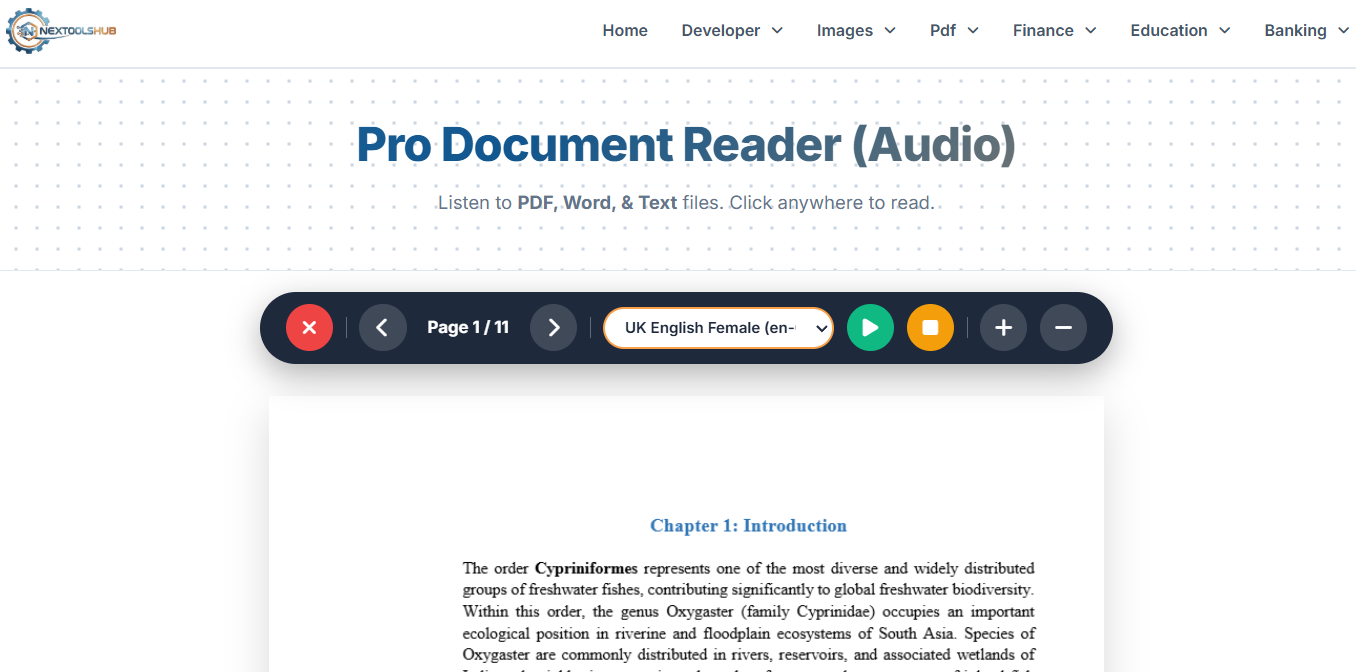
Read PDF DOC PPT TXT Files in One Smart Reader
Pro Document Reader helps open and read PDF, DOC, PPT, TXT, and image content in one interface with better focus tools. Features like text to speech, reading control, and highlighted navigation improve understanding during long sessions. This document reader is useful for students, researchers, and office users who handle mixed file formats daily. Use it to simplify reading workflow, reduce app switching, and improve accessibility with a smooth multi format reading experience.