Image Tool

Image to Base64 Converter

Convert images to Base64 strings or decode Base64 back to images instantly. Supports PNG, JPG, GIF, WEBP. Secure client-side processing.

Conversion Successful!
Preview

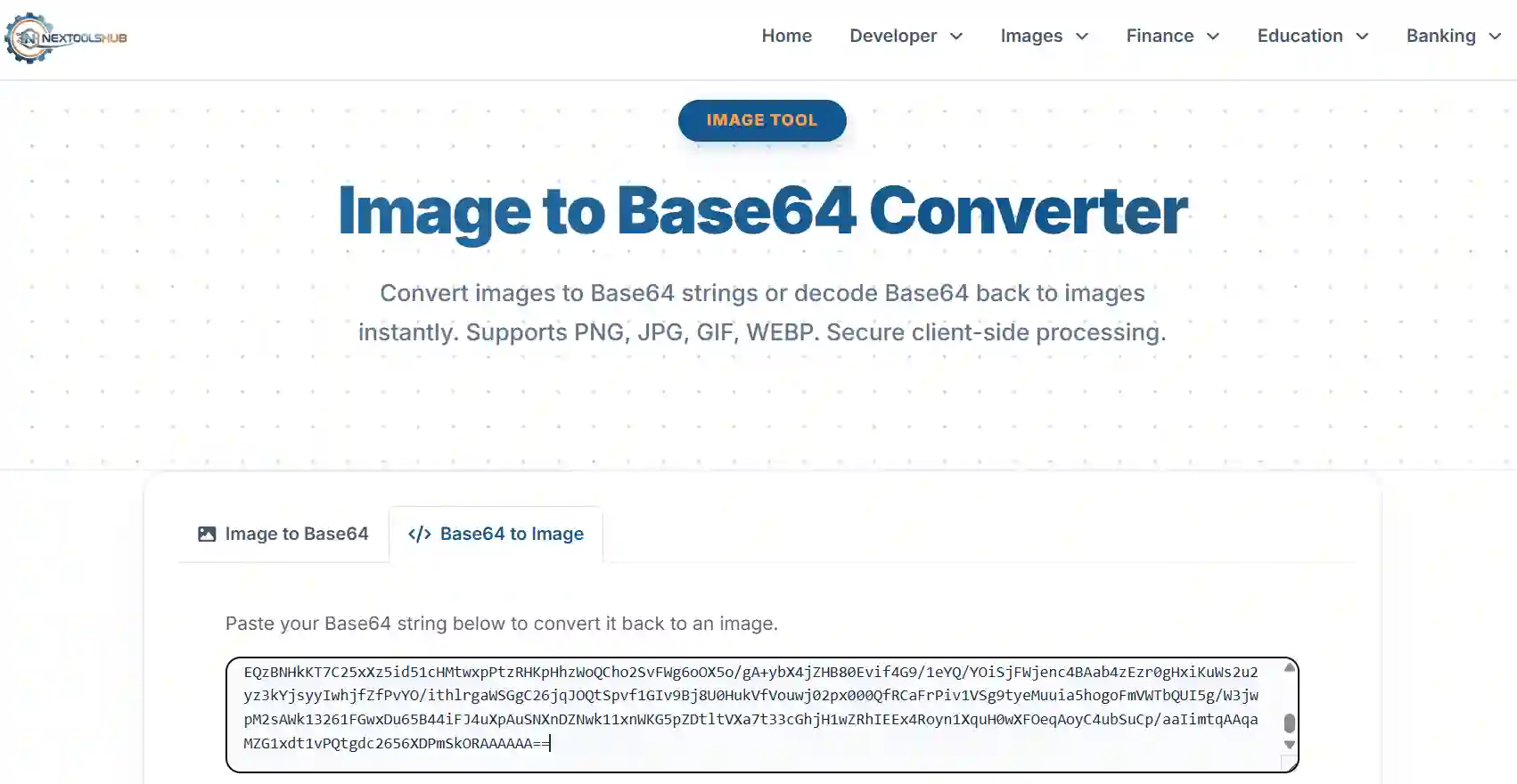
Paste your Base64 string below to convert it back to an image.

Decoded Image Preview:
Decoded Image
Download Image

How It Works

Convert images in 3 simple steps.

1
Select Source

Upload an image from your device or use your webcam to capture one.

2
Auto Process

The browser instantly encodes binary image data into ASCII Base64 string.

3
Copy Result

Copy the generated string for use in HTML, CSS, or JSON.

Base64 Encoding: The Ultimate Guide for Developers

Efficient image asset management in today's web development stack has become vital. Usually, image data is stored as a physical image on a server, accessible via a URL. But in cases like email templates, single page apps, offline data storage, etc., it's not possible to make requests to physical files. This is where Base64 Encoding can be particularly useful.

NexToolshub offers a secure, high-speed Image to Base64 Converter By converting binary image data into an ASCII text string, you can embed visual content directly into your HTML, CSS, or JSON files without needing external file requests.
Base64 Encoding Workflow

What Exactly is Base64?

Base64 is a binary-to-text encoding scheme. It translates binary data (like an image file, which is a sequence of 0s and 1s) into a readable string using 64 safe ASCII characters (A-Z, a-z, 0-9, +, and /). This ensures that the data remains intact during transport across systems that might otherwise corrupt raw binary data (like old email protocols).

Why Use Base64 Images?

  • Fewer HTTP Requests: Every image file on a website requires a separate network request. Embedding small icons or logos as Base64 eliminates these requests, speeding up page load times.
  • Data Portability: You can store an image easily in a database or JSON file as a simple text string, removing the need for a separate file storage system.
  • Instant Rendering: Since the image data is part of the HTML code, it loads instantly with the page layout, preventing layout shifts (CLS).

Limitations to Consider

While useful, Base64 is not a magic bullet. Converting an image to Base64 increases its file size by approximately **33%**. Therefore, it is **not recommended for large photographs** or gallery images, as this will bloat your HTML file size and slow down rendering. Use it wisely for small assets (typically under 10KB).

Frequently Asked Questions (FAQ)

Common questions about Image to Base64 conversion.

Yes, 100% safe. This tool uses client-side processing. Your images are converted directly in your browser using JavaScript and are never uploaded to our servers.

Yes. Base64 encoded strings are typically 33% larger than the original binary file. It is recommended only for small images (like icons or logos) to avoid bloating your web page size.

You can place the string directly into the source attribute:
<img src="data:image/png;base64,YourStringHere..." />

Absolutely. It is great for background images:
background-image: url('data:image/png;base64,...');

Our tool supports all major web formats: JPEG, PNG, GIF, WEBP, BMP, and SVG.

Technically, browsers can handle strings up to several megabytes, but performance may degrade with very large images. We recommend sticking to images under 5MB.

Yes! Just switch to the "Base64 to Image" tab on this tool, paste your string, and you can preview and download the image.

No. Base64 is an encoding scheme, not encryption. It does not secure data; it merely translates it into a different format. It can be easily decoded by anyone.

That is the "Data URI scheme" header. It tells the browser what kind of file follows (MIME type) and that it is base64 encoded.

Yes, our tool is fully responsive. You can even use your mobile camera to capture a photo and convert it directly.