Rotate PDF Pages

Permanently rotate individual PDF pages or the entire document left or right. Simple, fast, and free.

Upload PDF to Rotate

Drag & drop or click to select

How to Rotate PDF Pages

1. Upload

Select your PDF file.

2. Select

Click any page to zoom in.

3. Rotate

Use buttons to fix orientation.

4. Save

Download the fixed PDF.

Fix Upside Down PDF Pages Easily

Scanned a document upside down? Need to mix portrait and landscape pages? Our Rotate PDF tool allows you to permanently change the orientation of your PDF file directly in your browser.
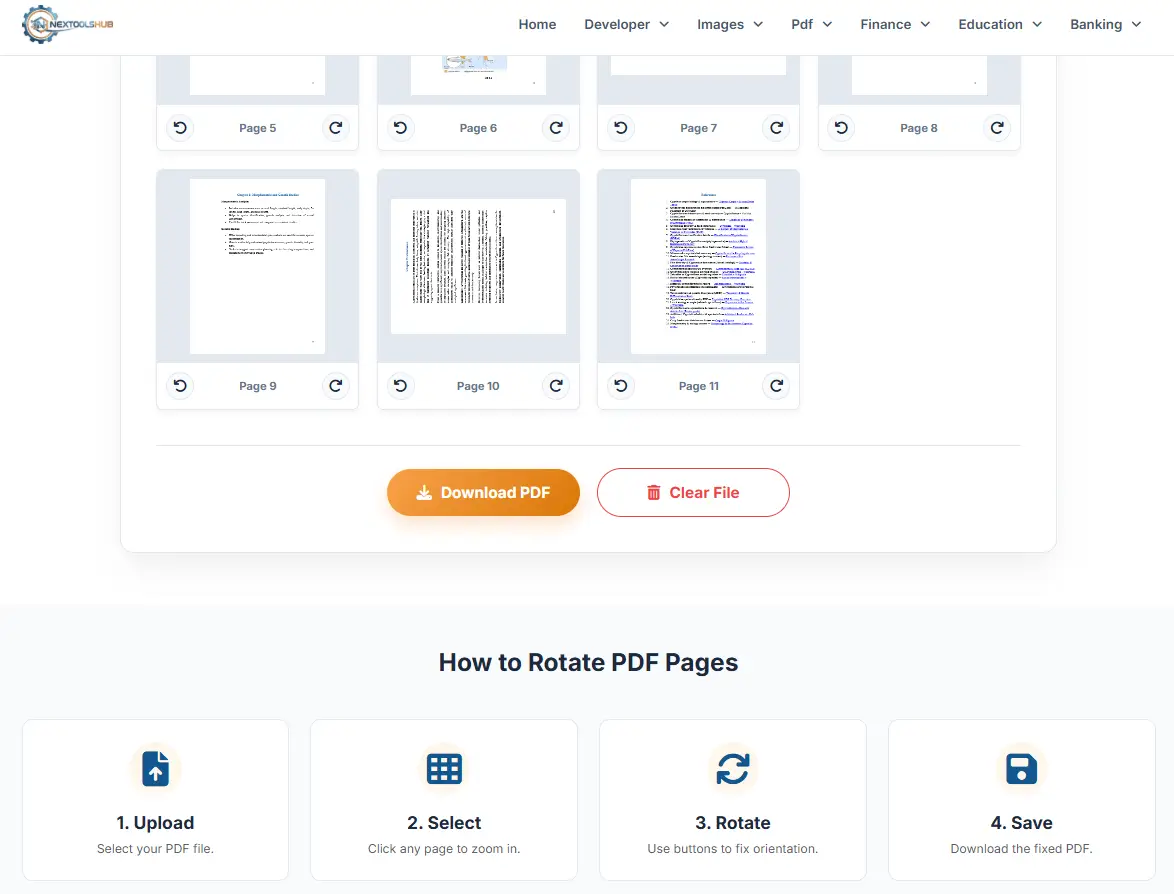
Rotate PDF Tool Illustration

1. Granular Control

2. Client-Side Processing

Client-Side Security is of primary importance. Advanced web technologies are employed in order to handle PDF rotation on your local computer; your PDF contracts and sensitive data are not uploaded to any cloud server

Frequently Asked Questions

Yes, once you click "Download PDF", the new orientation is saved permanently into the file.

Absolutely. Just use the arrow buttons on that specific page thumbnail to rotate it.

No. We only modify the page rotation metadata. The content quality, text, and images remain 100% original.

Yes, unlimited usage is free.

No, you must remove the password before uploading the file for rotation.

Yes, rotating a landscape page 90 degrees will make it portrait (vertical).

Yes, it works on all operating systems including macOS, Windows, Linux, Android, and iOS.

No, the downloaded PDF is clean and watermark-free.

Click the "Reset Angles" button to undo changes, or "Clear File" to start over with a new PDF.

No, all processing happens locally in your browser.