Free Online PDF Editor - Edit, Sign, Annotate PDF

Use this free online PDF editor to add text, signature, shapes, highlights, links, and notes, then download edited PDF securely in your browser without software installation or watermark.

Upload PDF to Start Editing

Drag & drop or click to browse

Processing...
Document
No PDF loaded.
Quick Actions
Shape Library (50+)
Insert Quick
Highlight Section

Color choose karke highlight box add karein, phir drag/resize karein.
Selection
Select any element to edit properties.
Header / Footer
Use {{n}} and {{total}}

How to Use Online PDF Editor

This online pdf editor free helps you edit PDF files for office, legal, and education workflows. You can add text, signature, annotation, shape, highlight, and link in one place. Upload your file, edit content with precision controls, then download the updated PDF. The process is simple, secure, and designed for normal readability on desktop and mobile.

1. Upload PDF File

Open your document and load pages in the editor canvas.

2. Edit and Annotate

Add text, signature, highlights, shapes, links, and whiteout layers.

3. Export Updated PDF

Review output quality and download the final edited PDF.

Online PDF Editor for Text, Signature, and Annotations

This online PDF editor lets you edit PDF files in browser using text editing, digital signature, highlight annotation, shape drawing, whiteout, and link placement. It is practical for contracts, invoices, exam forms, compliance reports, and internal review documents where quick correction is required. You can open a PDF, place edits at exact coordinates, adjust font size and color, and export a clean final file without installing extra software. Teams use this PDF editing tool to reduce turnaround time and avoid repeated document exchange. Students use it to annotate notes and mark important pages. Business users use it for approval-ready files with header/footer and page labels. The workflow is secure, fast, and readable on mobile devices as well.
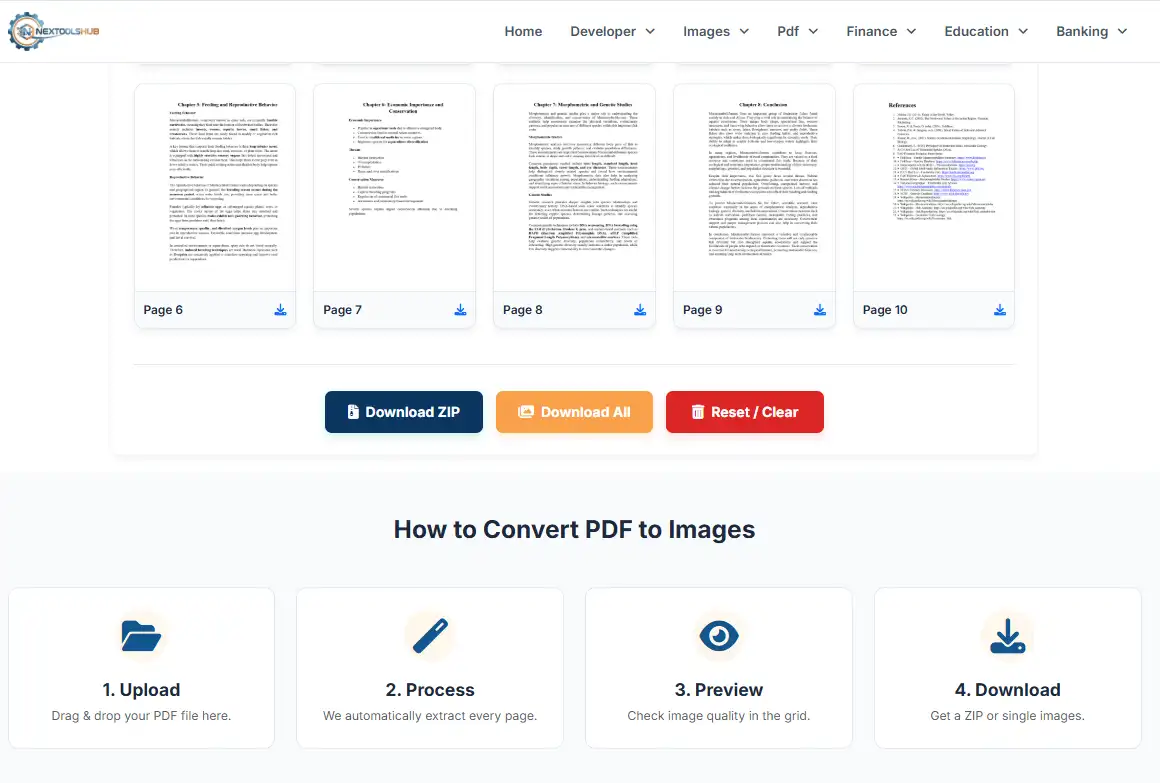
PDF tool preview image

Edit PDF Online with Text, Sign, Highlight, and Shapes

If you need a free online PDF editor with signature and annotation features, this page covers core document tasks with simple controls. You can add custom text, draw signature, highlight paragraphs, insert arrows, and place notes for reviewer feedback. The edited output remains downloadable as PDF, which helps in client sharing and audit-ready documentation. For better results, keep page layout clean, use consistent font settings, and check every page once before final export. This keeps document quality professional and readable.

Frequently Asked Questions

Yes, this online PDF editor is free for standard editing tasks like text, signature, annotation, and export.

Yes, you can edit PDF online without creating any account.

Yes, drag and drop upload is supported for faster PDF editing workflow.

Yes, mobile browsers are supported with responsive editing layout.

The editor is built for browser-side processing where possible to improve privacy and security.

Yes, but performance depends on your device memory and browser capacity.

Most PDFs remain accurate, though complex layouts should be reviewed once before final sharing.

Yes, there is no daily limit for normal usage workflows.

No software installation is required. Everything works in modern browser.

Latest Chrome, Edge, and Firefox provide the best PDF editing performance.